
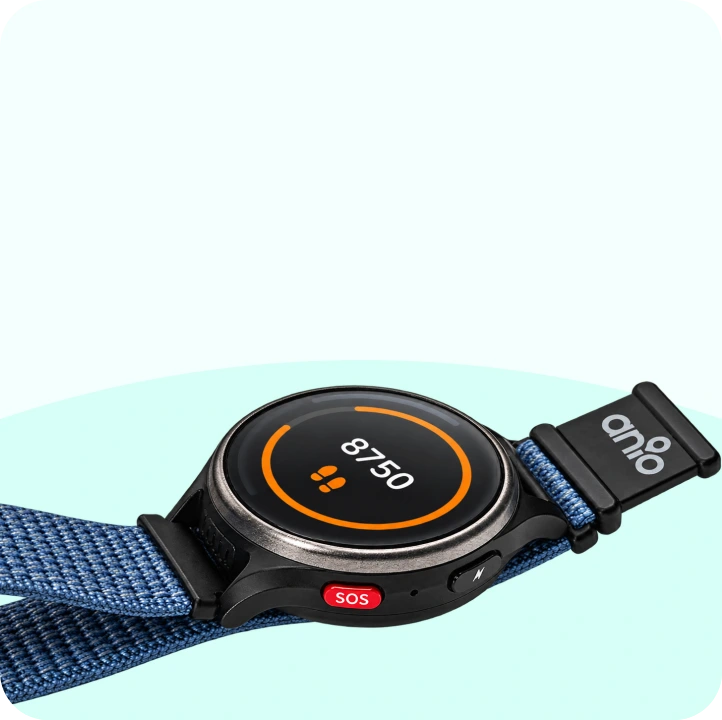
The watch –
with your child
Make calls, send messages, call for help – everything your child needs on the go. Only approved contacts can get through.

You control what your child wears on their wrist in the app. Here you can see everything that goes into it – and how it all works together.

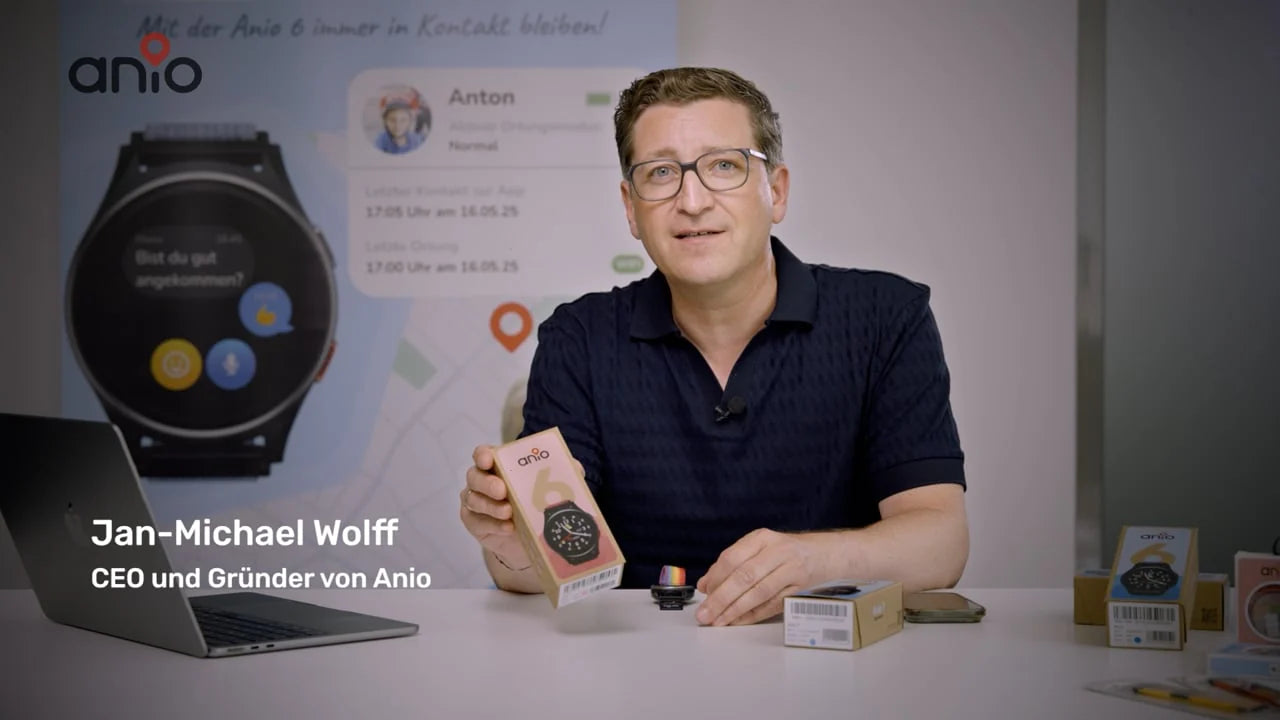
Explained by the founder
Michel shows what the Anio 6 can do, why it is deliberately minimalist – and how the app works.
Make calls, send messages, call for help – everything your child needs on the go. Only approved contacts can get through.
Encrypted
Servers in Germany

You set up contacts, safe zones, and school times—and see where your child is. Free for iOS and Android.
Small enough for a child's wrist, tough enough for the playground.

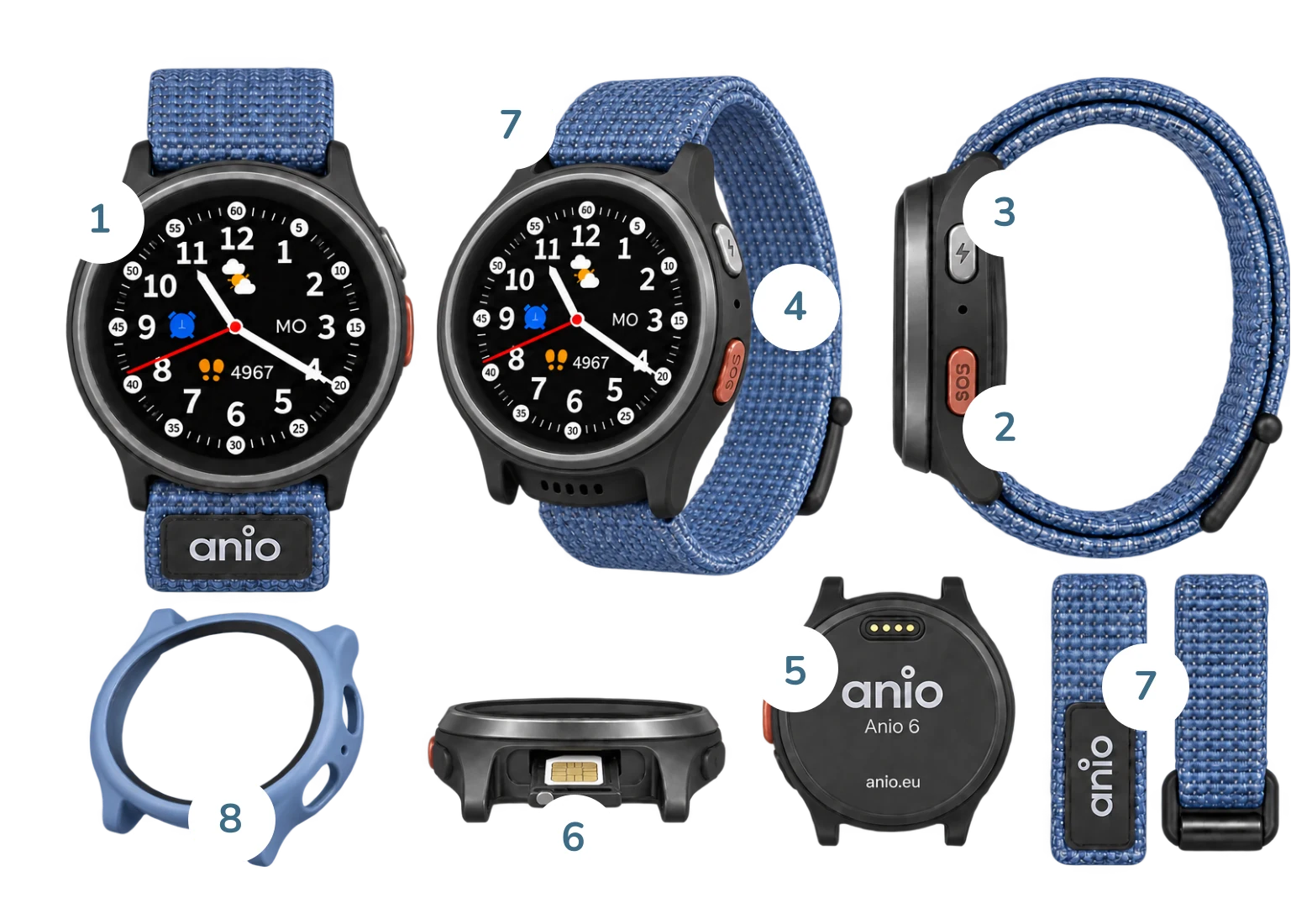
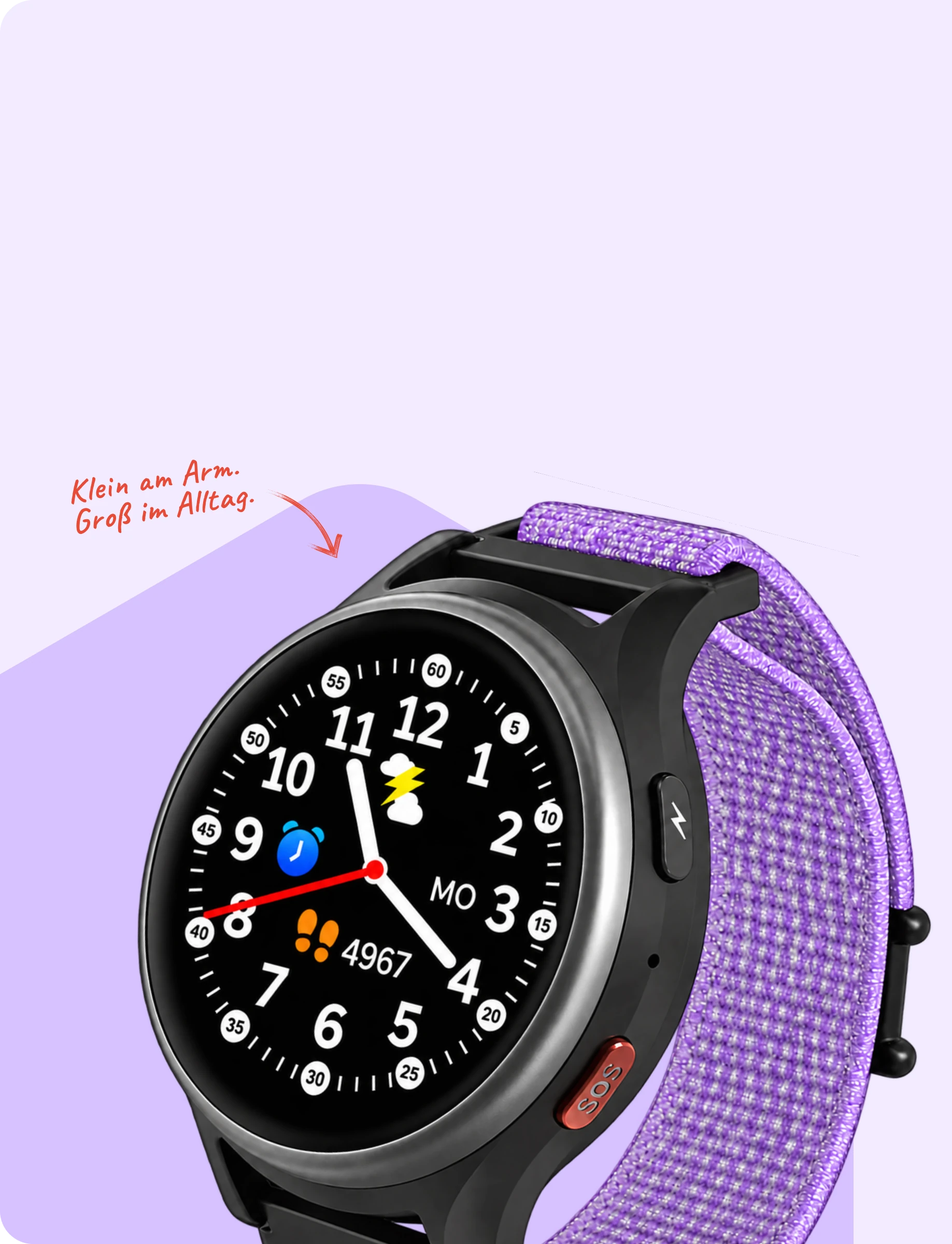
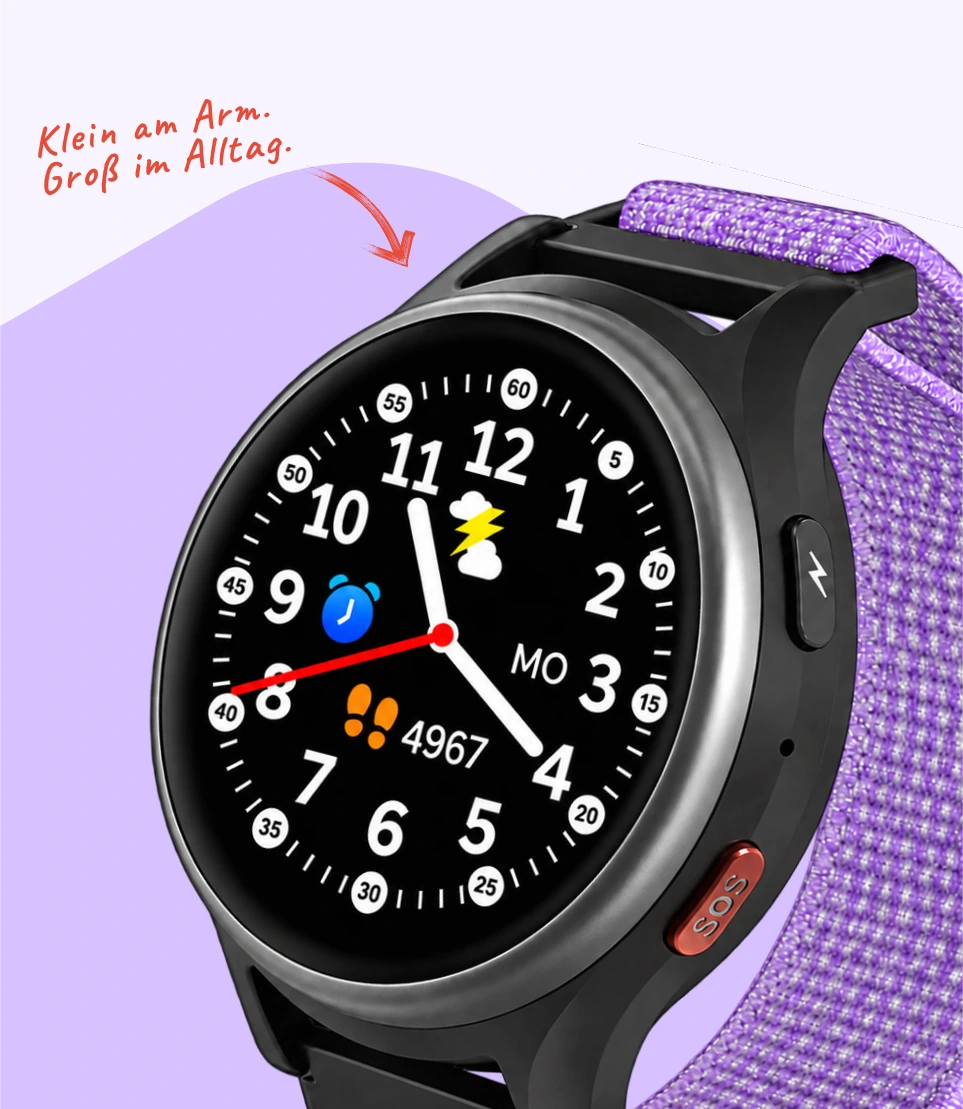
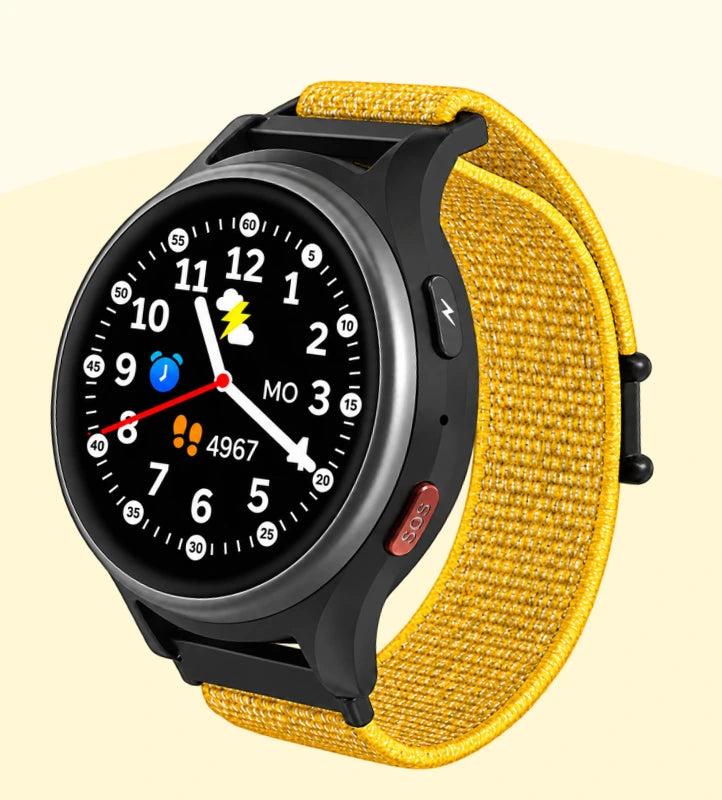
Round, approx. 1.09 inches – large enough to read, small enough for little arms.
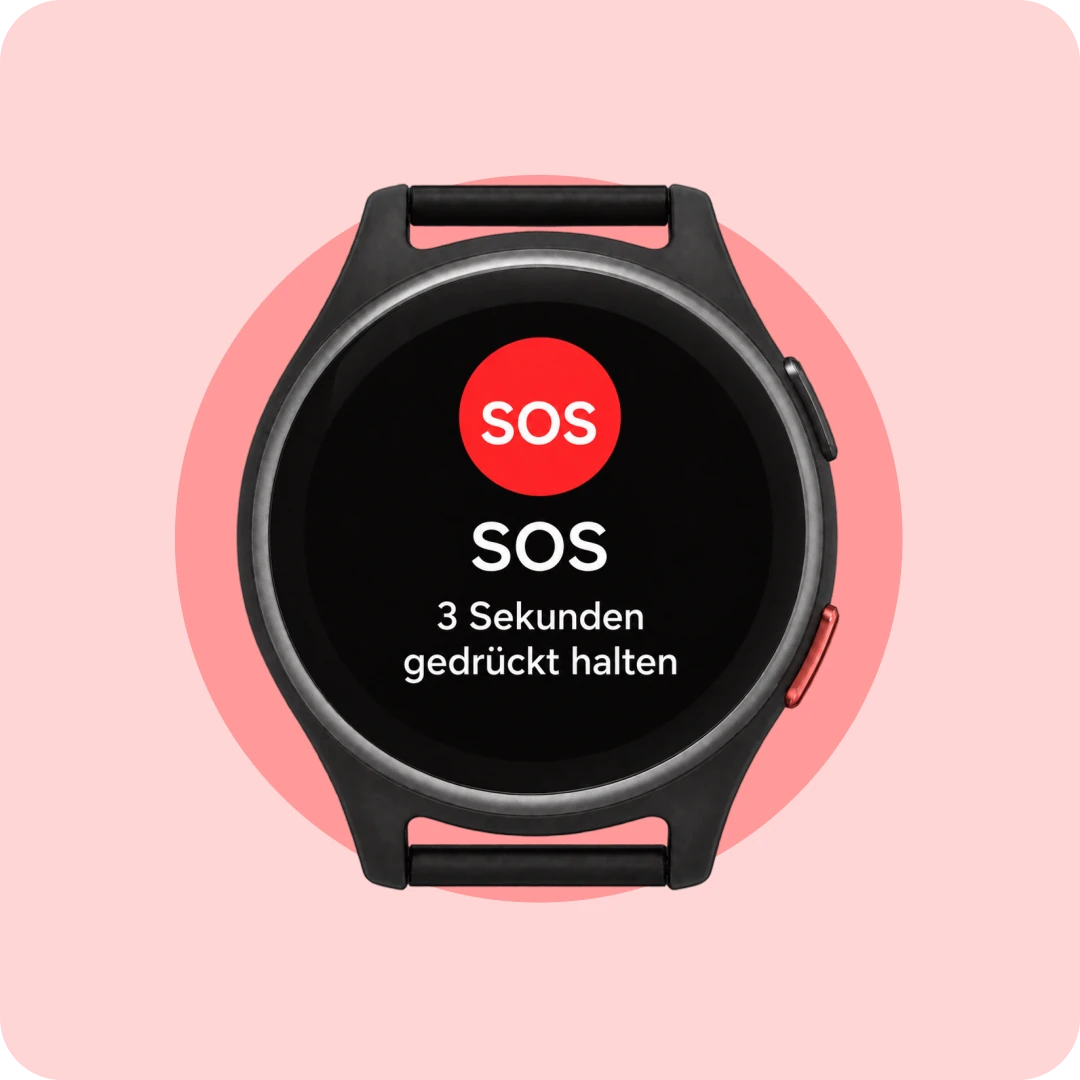
On the side, easy to feel. Press for 3 seconds – that’s all your child needs to know.
Just for you – in school mode, the watch does not respond to button presses.
For calls and voice messages – crystal clear, even outdoors.
Magnetic charging cable – snap it on, you’re done.
Bling plan or a compatible SIM of your own.
Fabric, continuously adjustable for 12–17 cm wrists. 15 colors.
Perfect-fit protection in 4 colors – built for the schoolyard.
 4G
4G GPS + Wi-Fi location
 Battery life up to 48 hours
 approx. 44 g
 Leak-proof
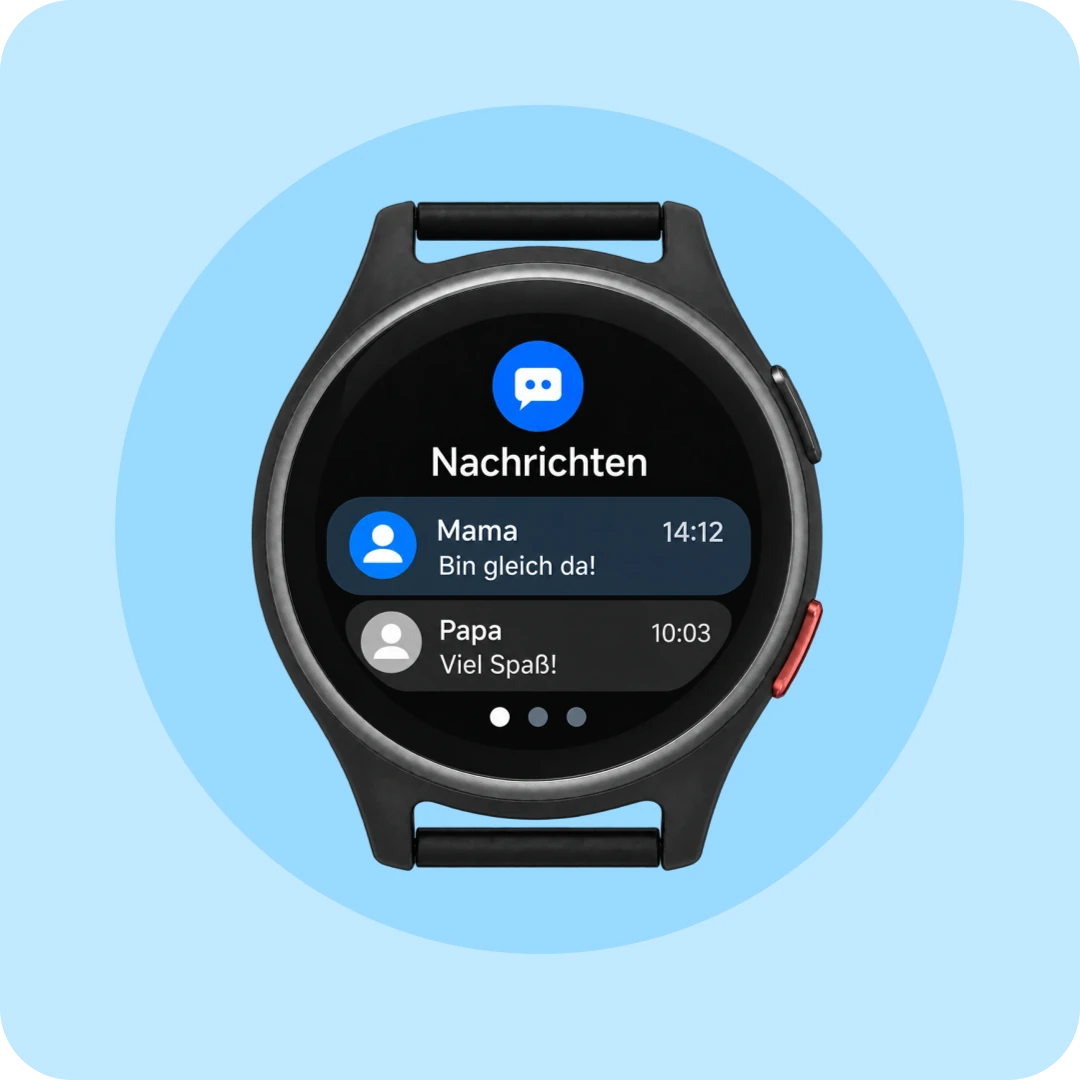
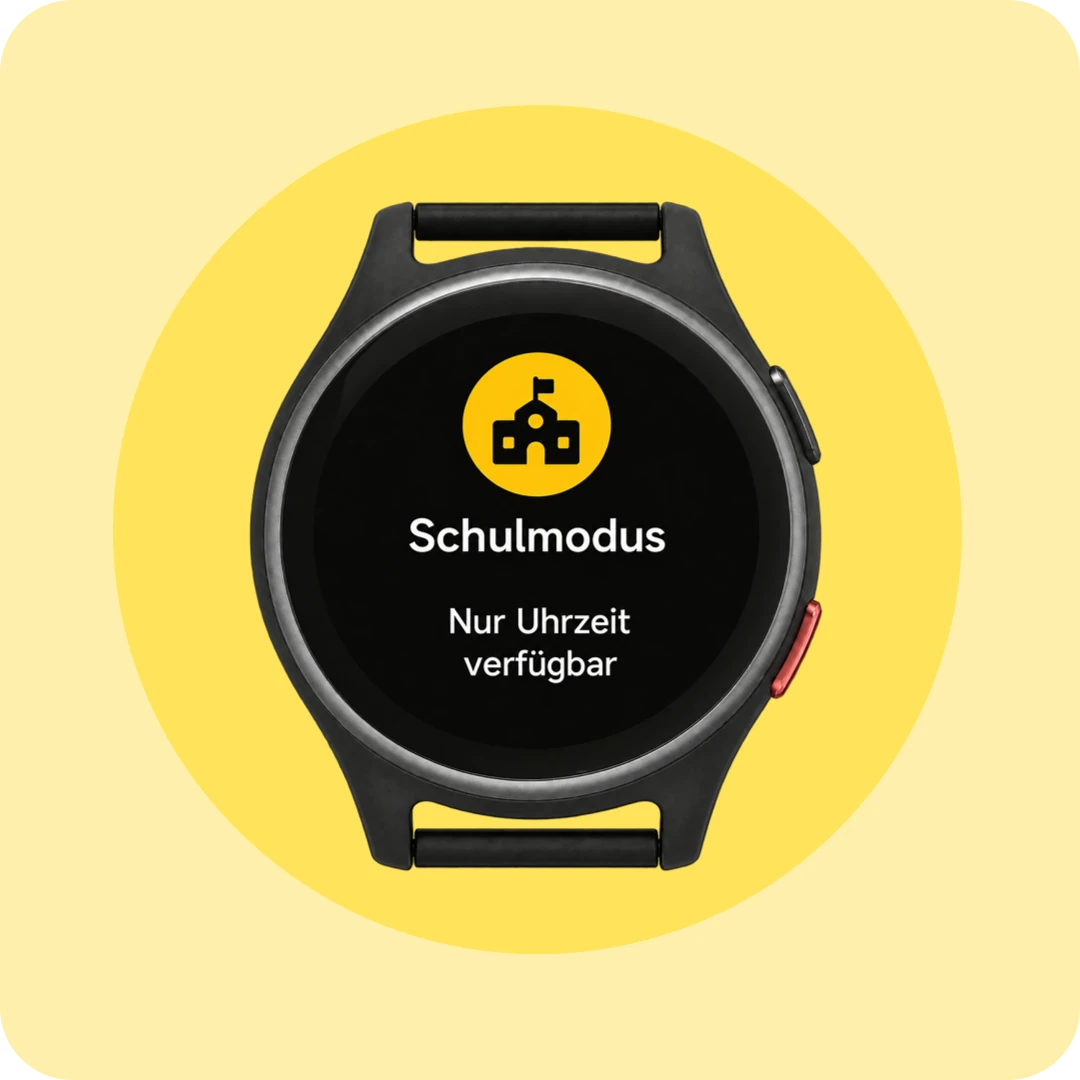
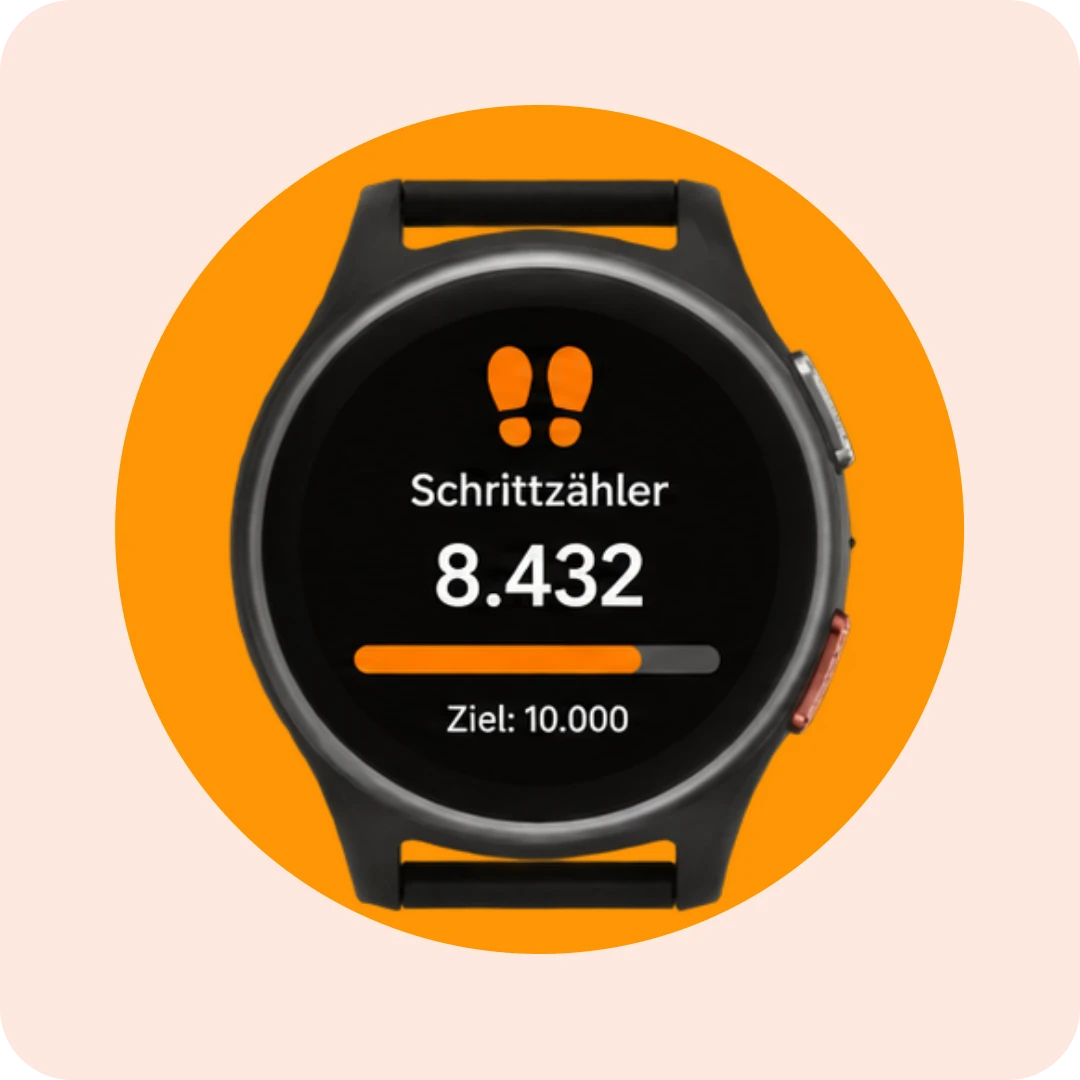
Six functions, easy to use – and six watch faces for your child to choose from. One helps them learn to tell the time.
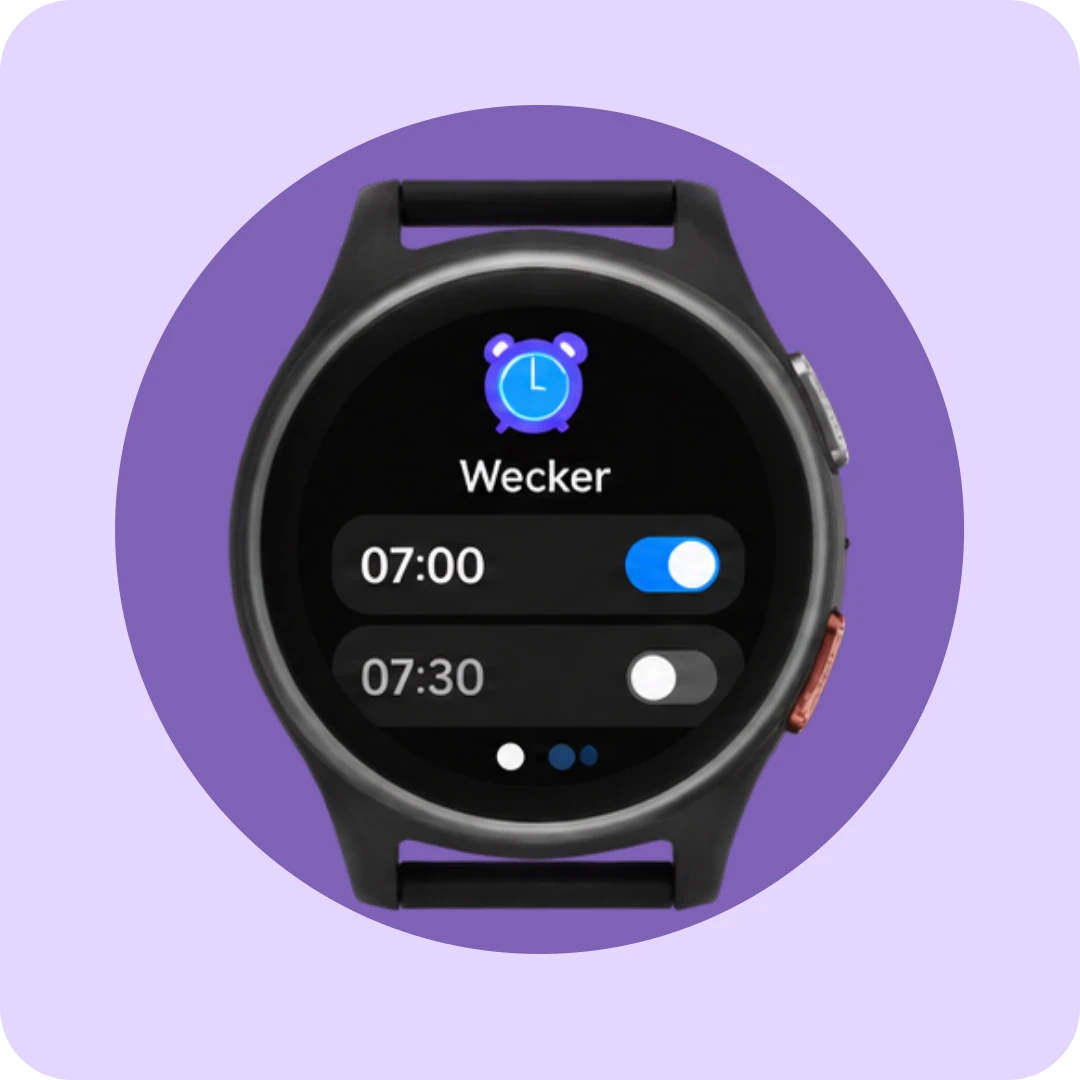
What’s deliberately left out: camera, games, internet and social media.
On purpose.
Every feature on the Anio 6 is designed to promote safety and independence—none are intended to keep the user occupied.
No point collecting, no constant new stimuli. Everything that matters. Nothing that distracts.
Feature Tour
Every feature with a real screen, briefly explained – for anyone who wants to know what they’re getting beforehand. And for anyone who wants to look it up later.


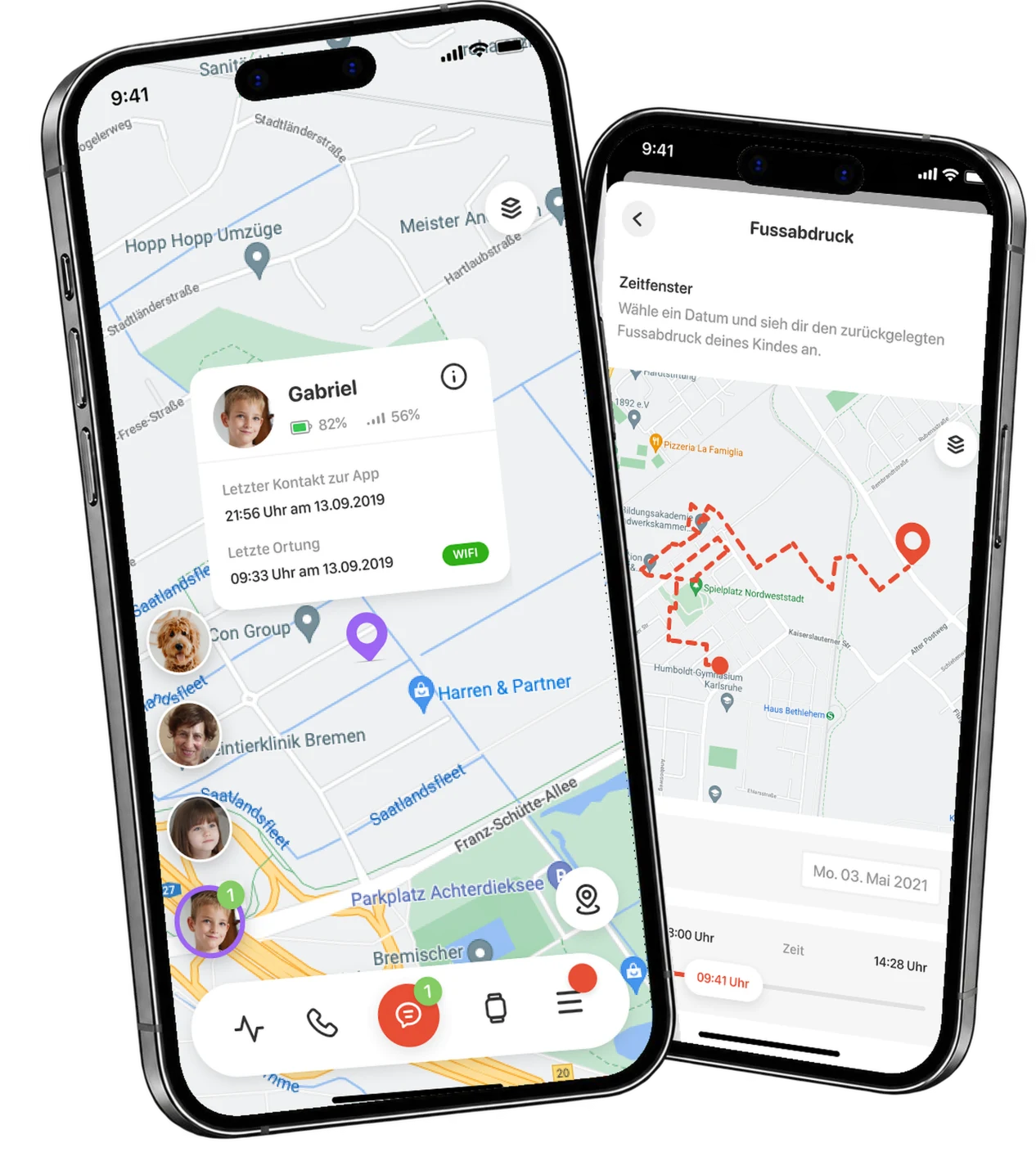
Outdoors via GPS, indoors via Wi-Fi – a glance at the app shows you the last location. That's all you need

Your child as a pin with a photo. Below that: battery level, signal strength, last location, and last contact with the app—everything you want to know, without having to search.

You decide how often to track: every 60 minutes by default, every 5 minutes if desired, or every minute in Explorer mode, for example on the way to school. Tracking less frequently means longer battery life.

The route taken one day on the map. This is how you can see that the school run worked out – without walking it yourself.

You can turn off tracking completely—for example, as your child gets older. In that case, the map, Safe Zones, and breadcrumb trail will no longer be available. The SOS button will still work.
And in case of emergency, you determine who will be called.

Home, school, grandma’s, sports club – set up zones and get an alert as soon as your child enters or leaves one. Without having to open the app.

Set the center point, draw the radius, select a time window, choose an icon – done. This way, the zone fits your everyday life, not the other way around.

You can mark any contact as an emergency contact—up to three. If your child presses the SOS button, they will be called in turn until someone answers. All app users will also receive a push notification with the last known location.
Unknown calls don't even get through.

Up to 20 contacts with a photo and their own color – family, friends, neighbors. Only they can call and be called. The watch automatically blocks all other numbers.

Short texts, voice messages, and emojis – both ways. “When are you coming home?” is quicker to type than to call about.

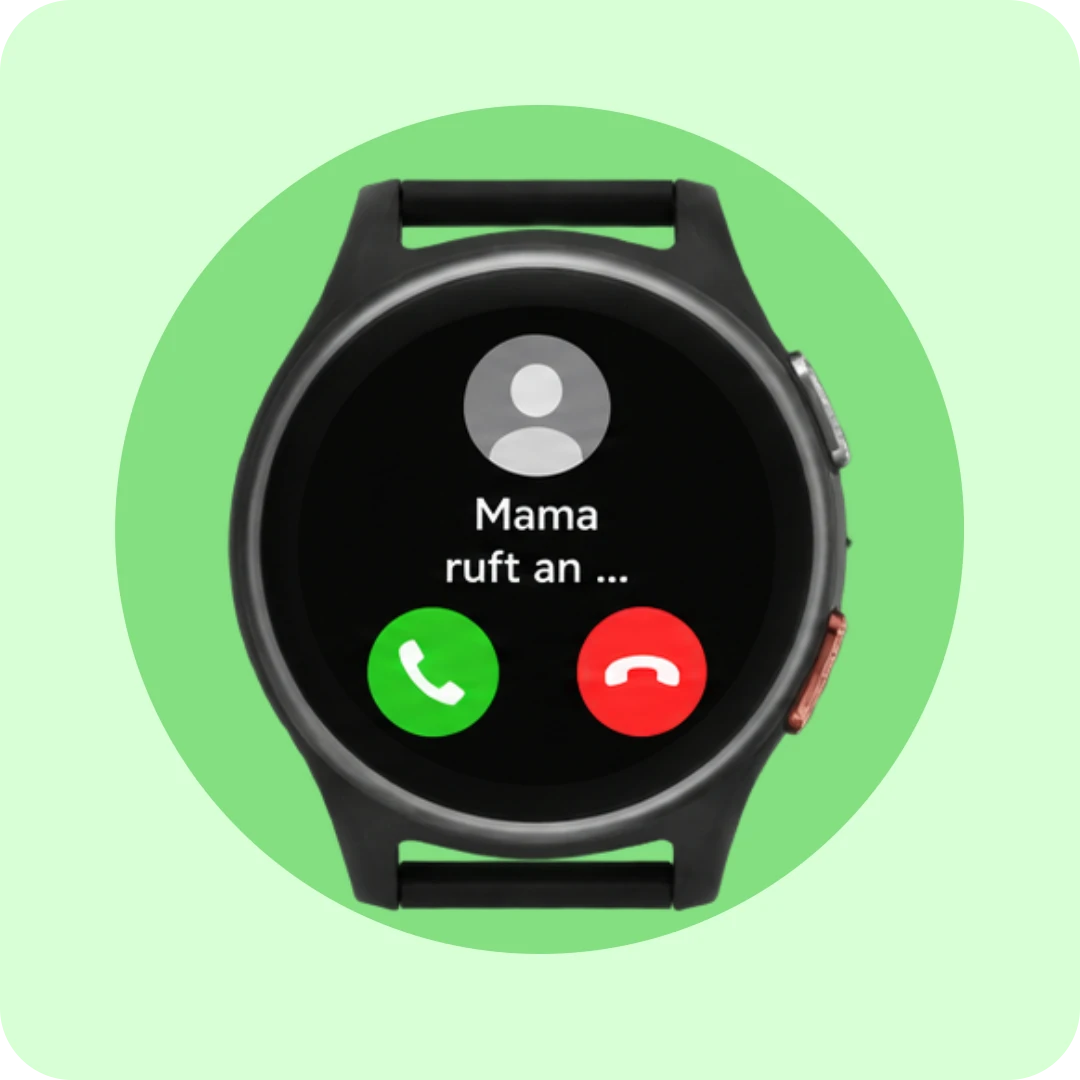
A tap in the app, and the watch rings. Your child sees your photo and your name—and picks up.

For older children, you can enable the keypad, allowing your child to enter numbers themselves. One more step toward independence, when you’re ready.
The activity feed collects everything that has happened –
so you don't have to catch up on anything if you don't want to.

School, daycare, training – during these times, the watch only displays the time. Calls and messages are silenced, and the display is locked. The SOS button still works.

All events in one place: zone entered, low battery, call answered, SOS triggered. Chronologically, with time – for checking, not for monitoring.

Set a daily goal that is right for your child. If they complete the steps, they’ll get a little reward on their watch.

You set the wake-up times in the app – your child wakes up to their own clock. Separately for school days and weekends.
“Providing security without compromising freedom”

No camera, plus a school mode that mutes calls and messages during class. That’s why many schools expressly permit the Anio 6—even where smartphones have long been banned.

Anio is the only German manufacturer of children's smartwatches. Your child's data is stored on servers in Germany, in compliance with the GDPR. Location data is deleted after 14 days – and never sold.

You decide whether and how often the device is tracked—even if not at all. Your child cannot turn off tracking themselves. You can.

Unlock the play area, reduce tracking, expand contacts – the Anio 6 adapts to your child’s age. Not the other way around.
For those who want to know the exact details – all values at a glance.
| Property | Value |
|---|---|
| Display | 1.09″ IPS touchscreen, 240 × 240 pixels |
| Housing / Weight | 45.15 × 14.9 mm · 44 g |
| Mobile communications | 4G |
| SIM | Nano-SIM (min. 300 MB data, voice & SMS) |
| Location tracking | GPS and mobile networks |
| Battery life | 595 mAh · 24–48 hrs, depending on tracking interval and reception |
| Charging | magnetic charging cable (USB-A), power adapter included |
| Controls | Touchscreen · side SOS button · power button |
| App | free for iOS & Android |
| Watch strap | Fabric/nylon, continuously adjustable, 12–17 cm wrist circumference |
| Watch Faces | 6 (3 analog, 3 digital) |
| Scope of delivery | Anio 6, magnetic charging cable, Quick Start Guide, SIM card tray ejector tool, school pass |
Outdoors, the watch determines its location via GPS; indoors, it uses nearby Wi-Fi networks. Therefore, the location is less precise indoors—this is due to GPS itself.
Yes—and Grandma, Grandpa, and the babysitter too. Any number of family members can connect the app to the same watch.
No. Only you can turn off location tracking in the app—and even then, the SOS button will still work.
You perform updates for the Anio 6 yourself – without having to go through support.
Using the magnetic charging cable included in the delivery, connected via USB to a power supply. It’s best to plug it in overnight – in the morning it’ll be ready to go again.
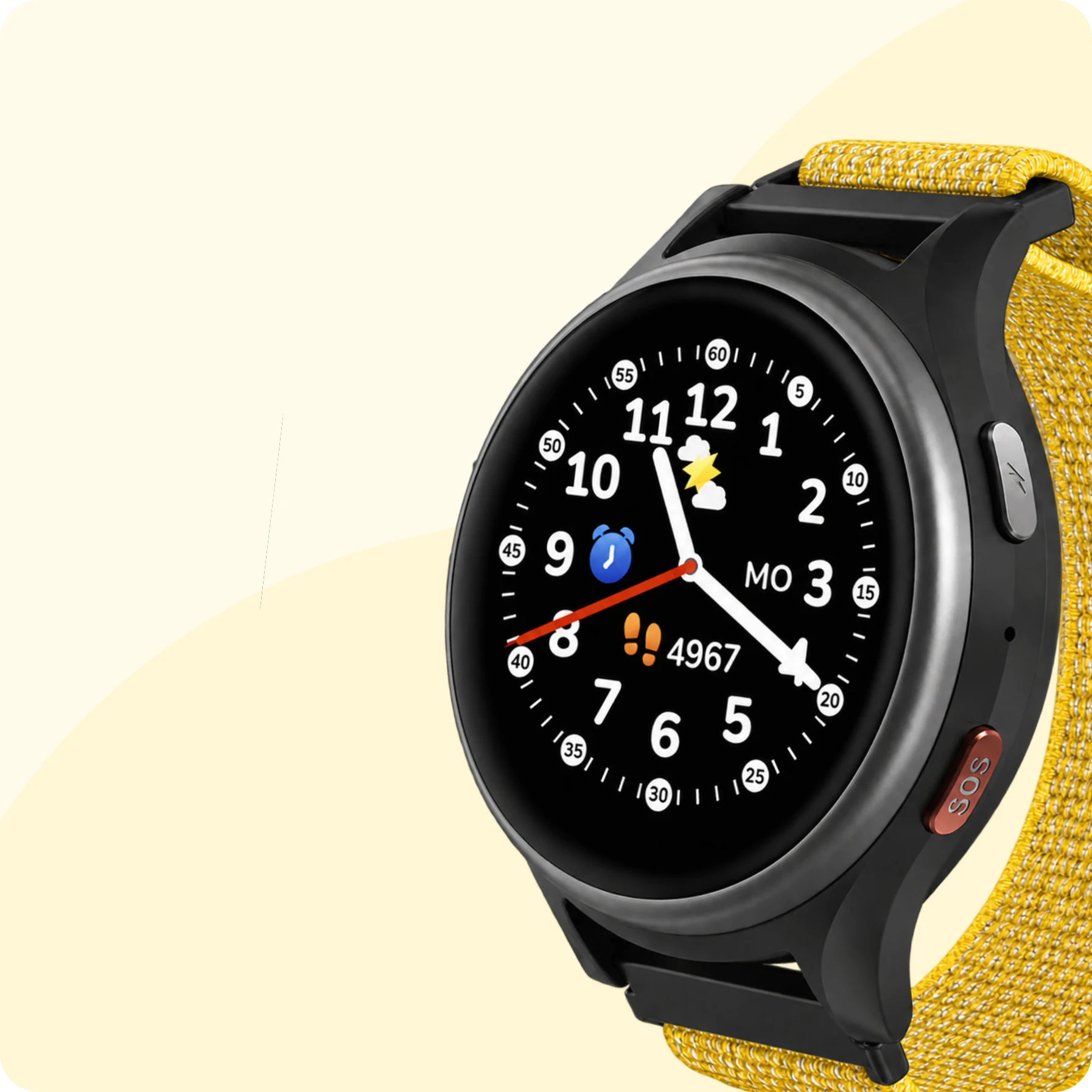
The Anio 6 is available from 1.518,00 DKK
– or straight away as a set
with protection and wristband.
Everything for getting started and everyday life with your Anio.


Developed & supported in Germany

GDPR-compliant
Location data
Stored for 14 days

School mode with quiet times

No distraction, no risk
