
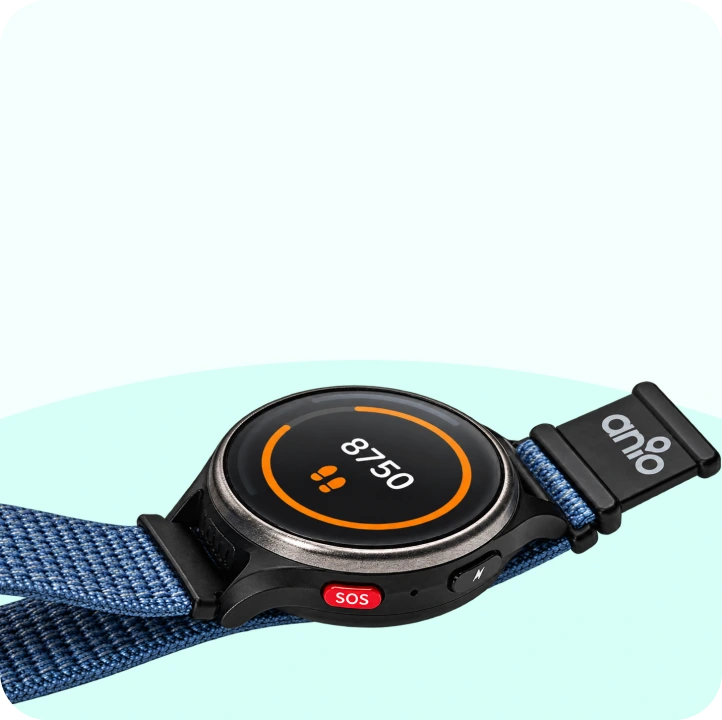
The watch –
with your child
Make calls, send messages, call for help – everything your child needs on the go. Only approved contacts can get through.

You control what your child wears on their wrist in the app. Here you can see everything that goes into it – and how it all works together.

Make calls, send messages, call for help – everything your child needs on the go. Only approved contacts can get through.
Encrypted
Servers in Germany

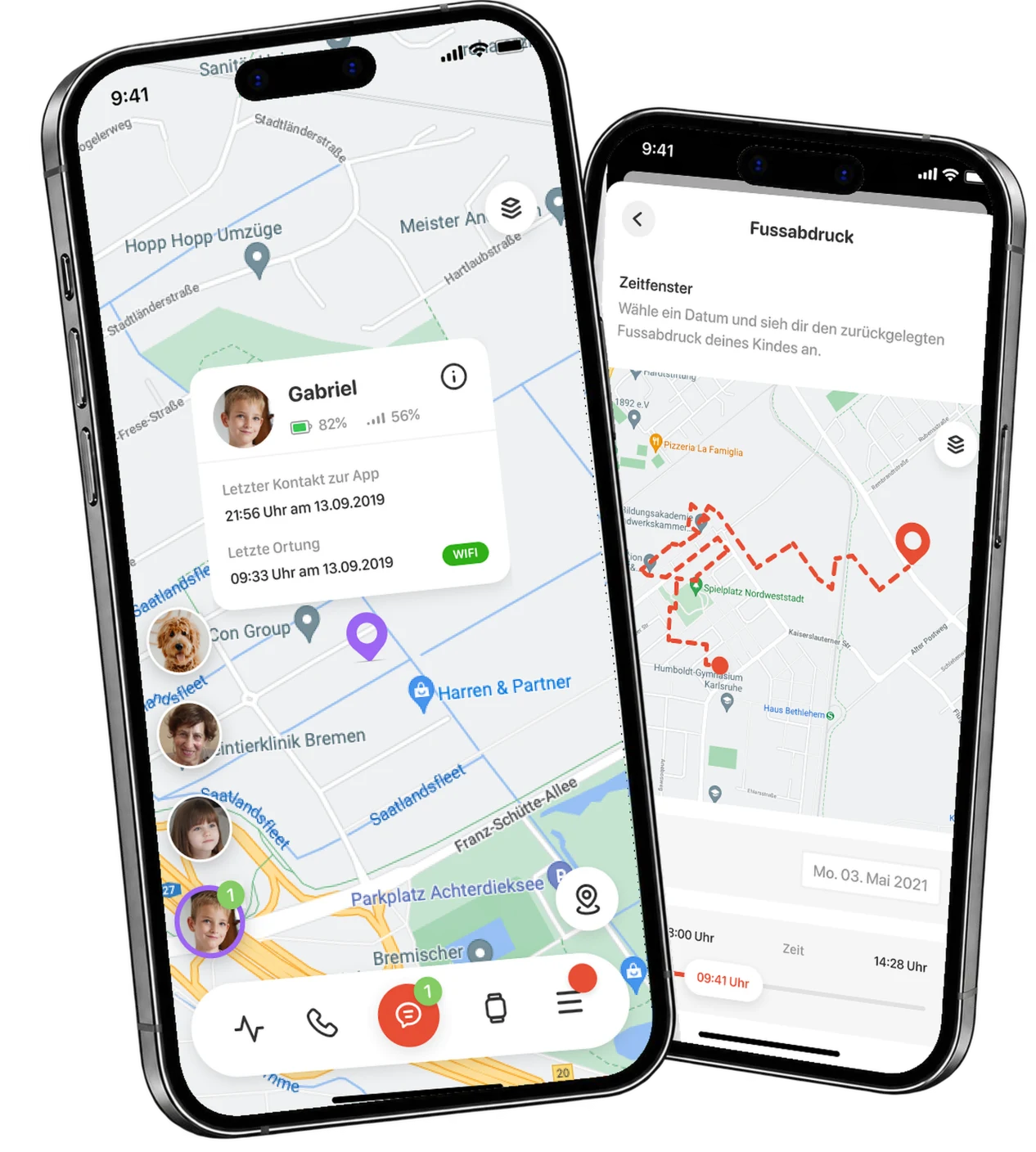
You set up contacts, safe zones, and school times—and see where your child is. Free for iOS and Android.
Small enough for a child's wrist, tough enough for the playground.

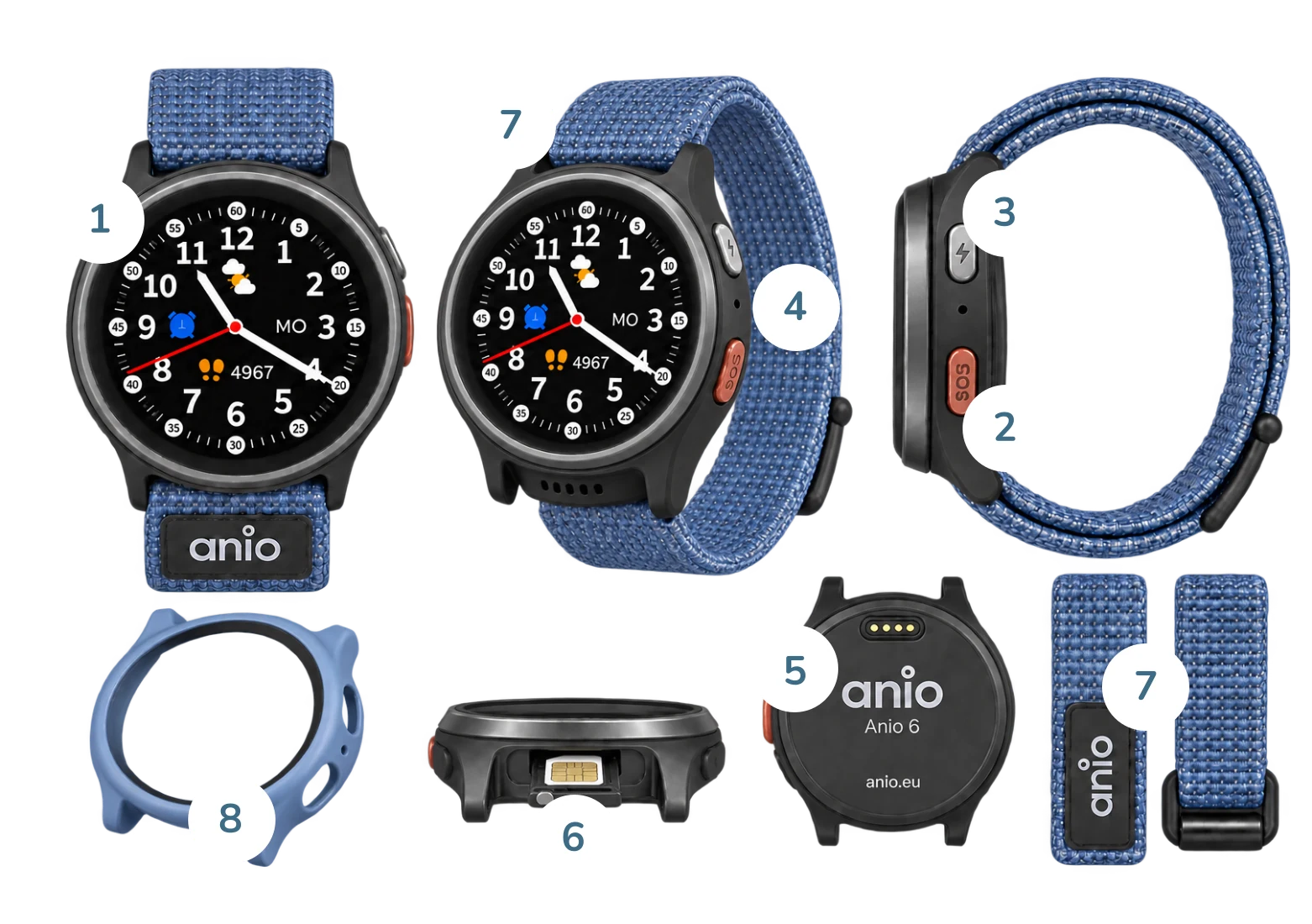
Round, approx. 1.09 inches – large enough to read, small enough for little arms.
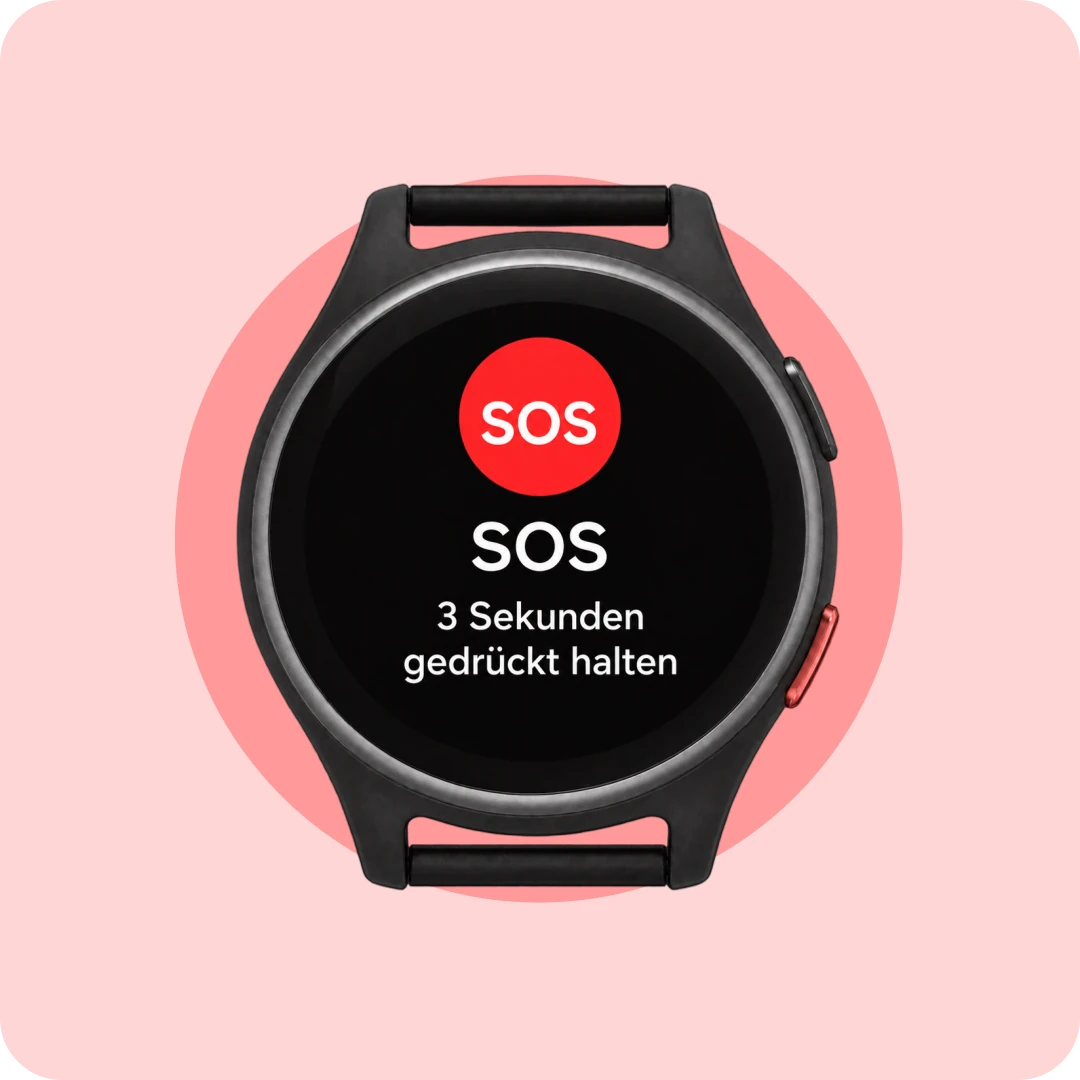
On the side, easy to feel. Press for 3 seconds – that’s all your child needs to know.
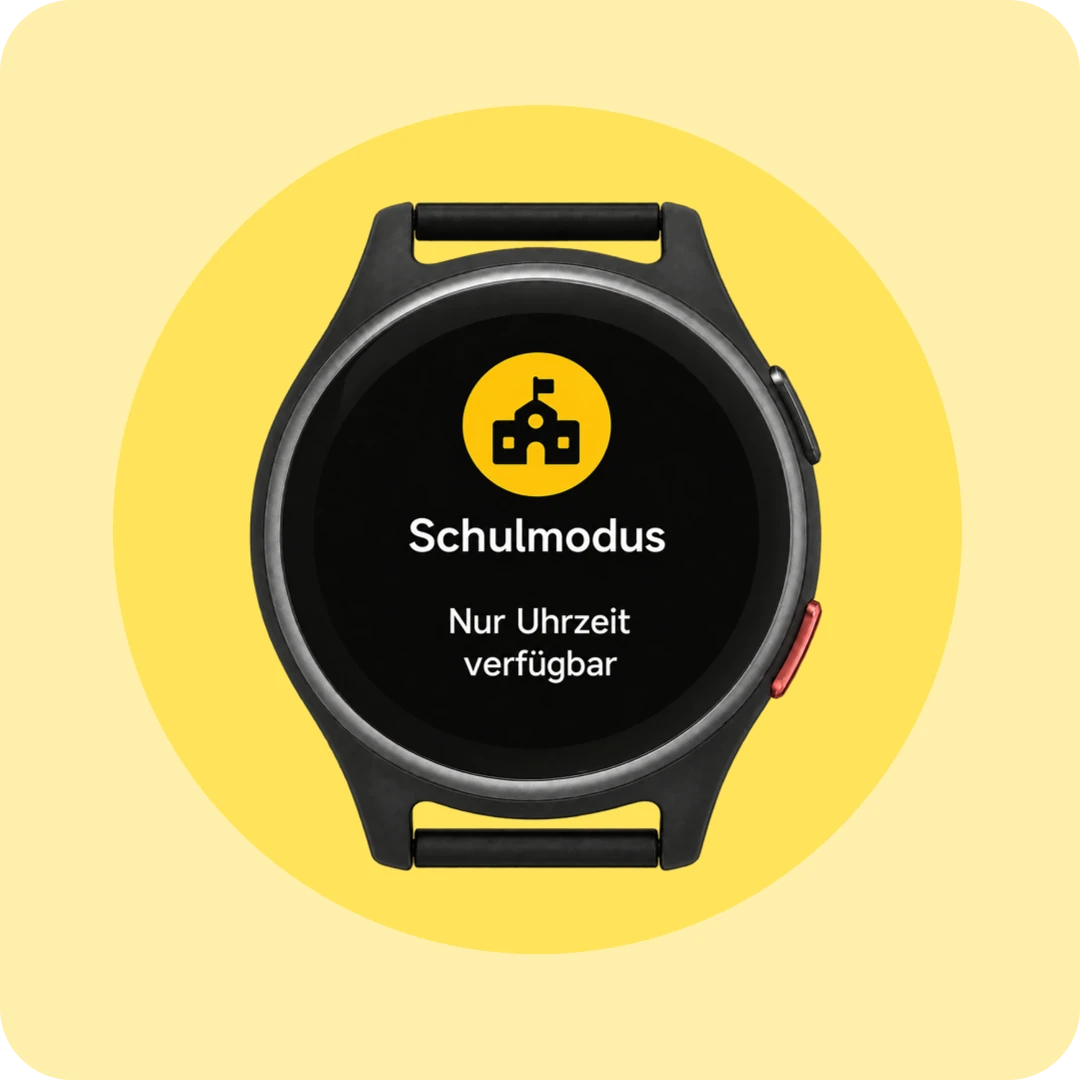
Just for you – in school mode, the watch does not respond to button presses.
For calls and voice messages – crystal clear, even outdoors.
Magnetic charging cable – snap it on, you’re done.
Compatible nano-SIM with calls and mobile data.
Fabric, continuously adjustable for 12–17 cm wrists. 15 colors.
Perfect-fit protection in 4 colors – built for the schoolyard.
 4G
 GPS + Wi-Fi location
 Up to 48 hours of battery life
 approx. 44 g
 Splash-resistant
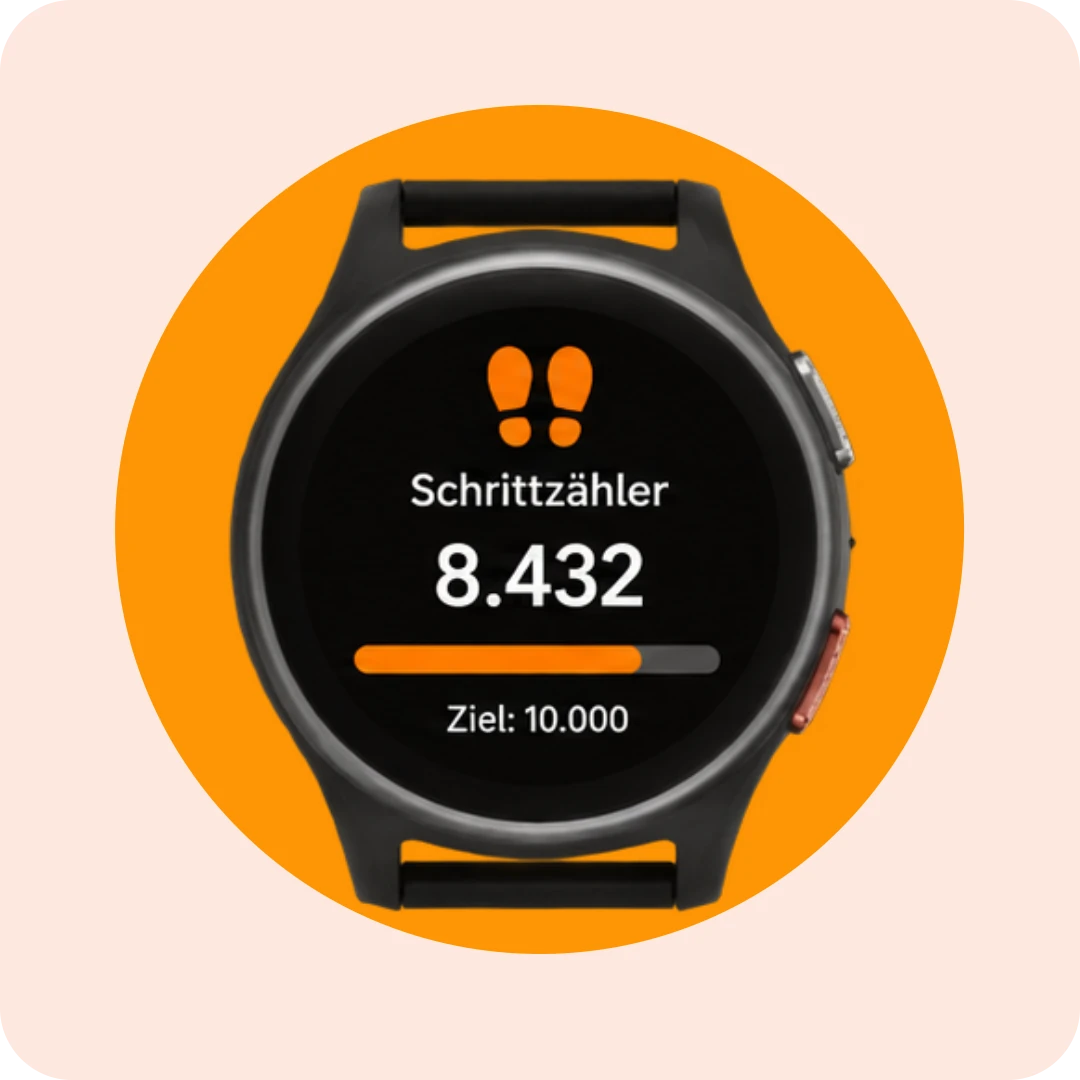
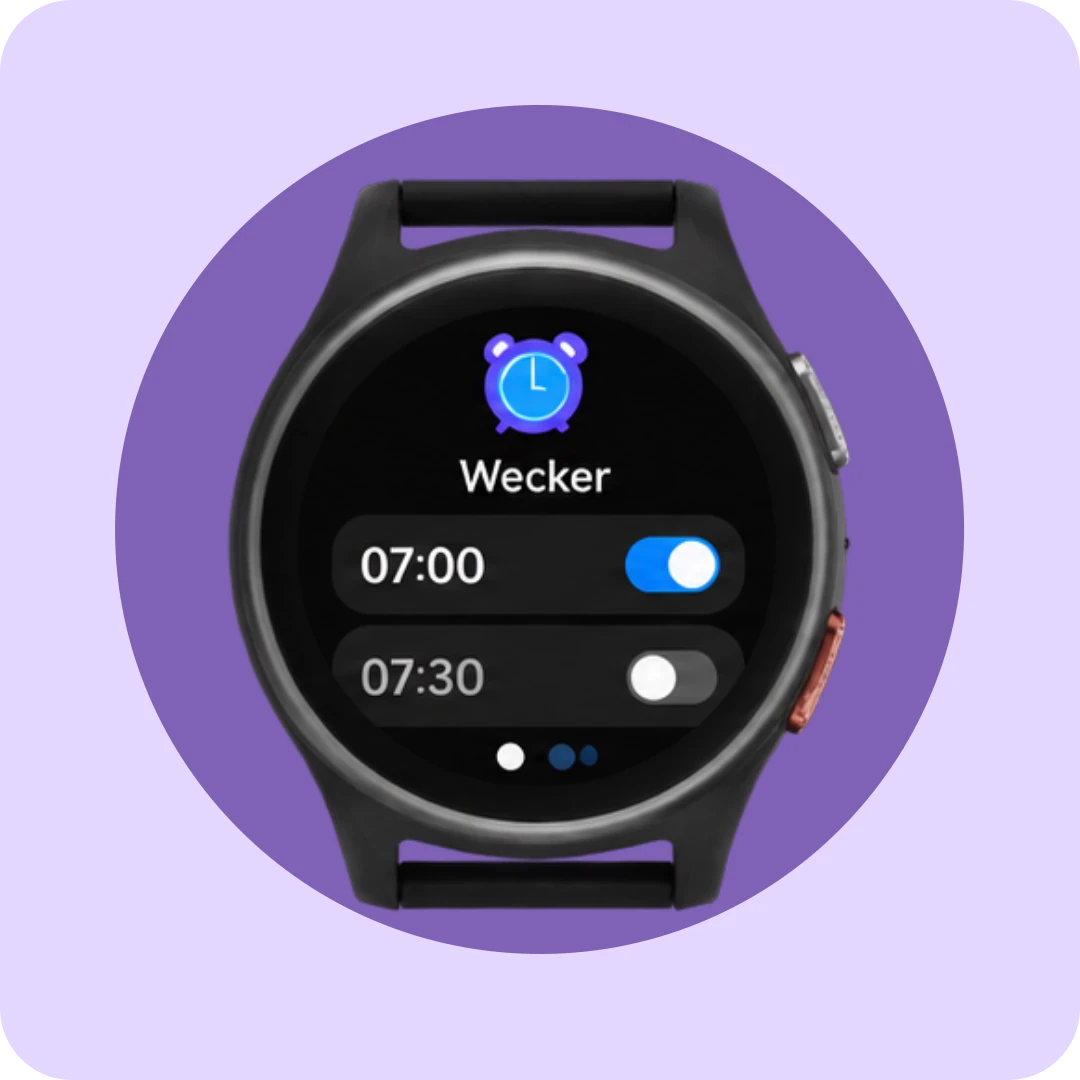
Six functions, easy to use – and six watch faces for your child to choose from. One helps them learn to tell the time.
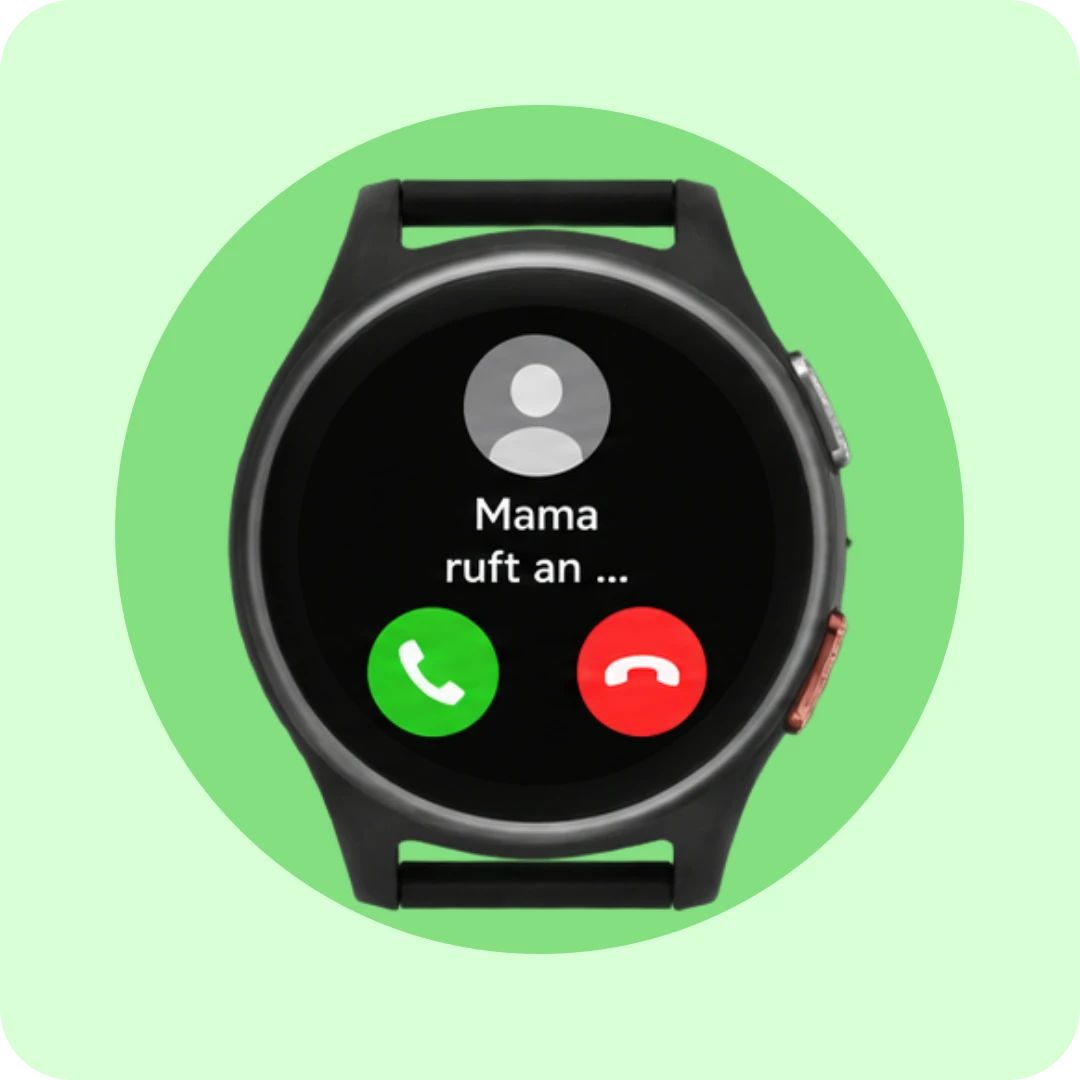
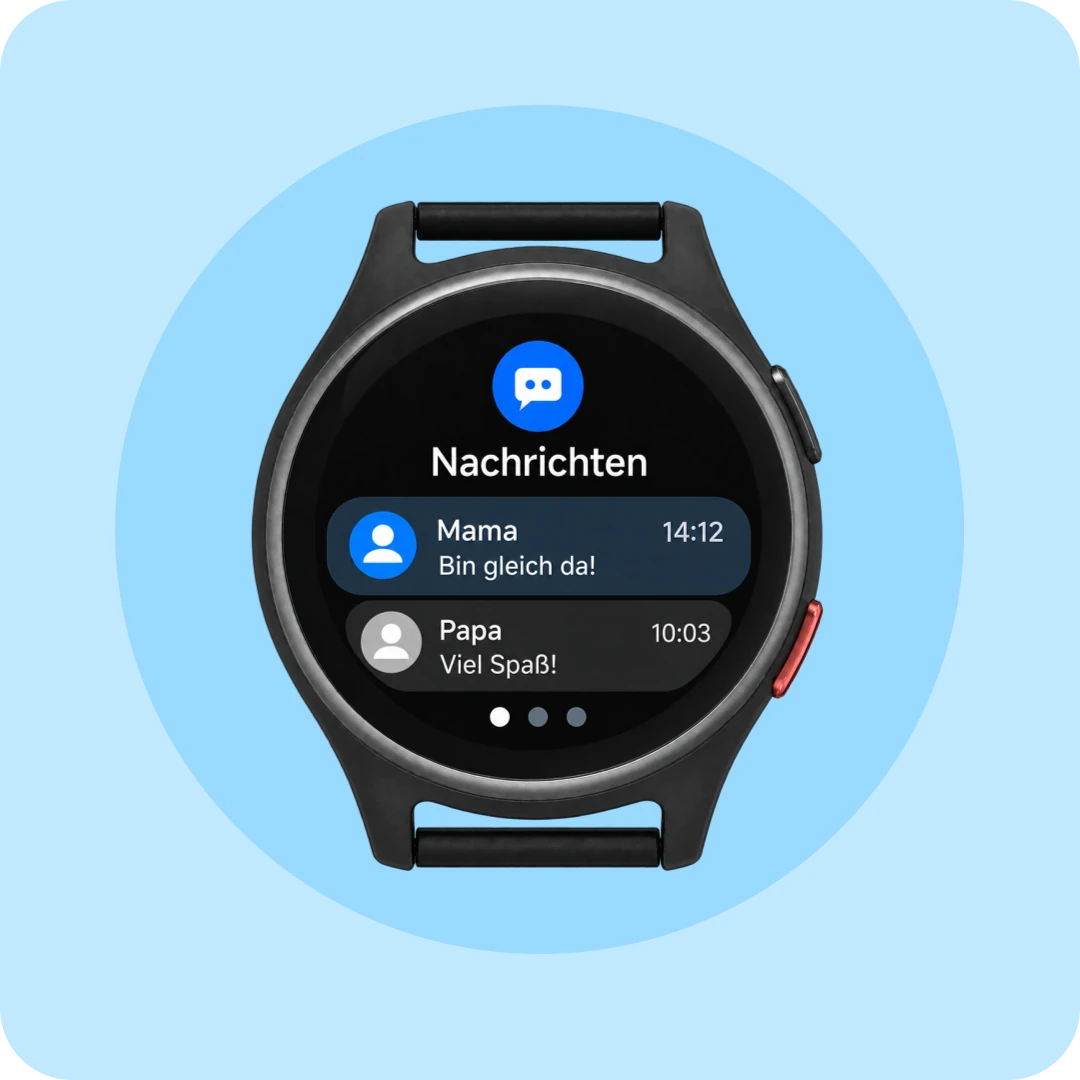
What’s deliberately left out: camera, games, internet and social media.
On purpose.
Every feature on the Anio 6 is designed to promote safety and independence—none are intended to keep the user occupied.
No point collecting, no constant new stimuli. Everything that matters. Nothing that distracts.
For those who want to know the exact details – all values at a glance.
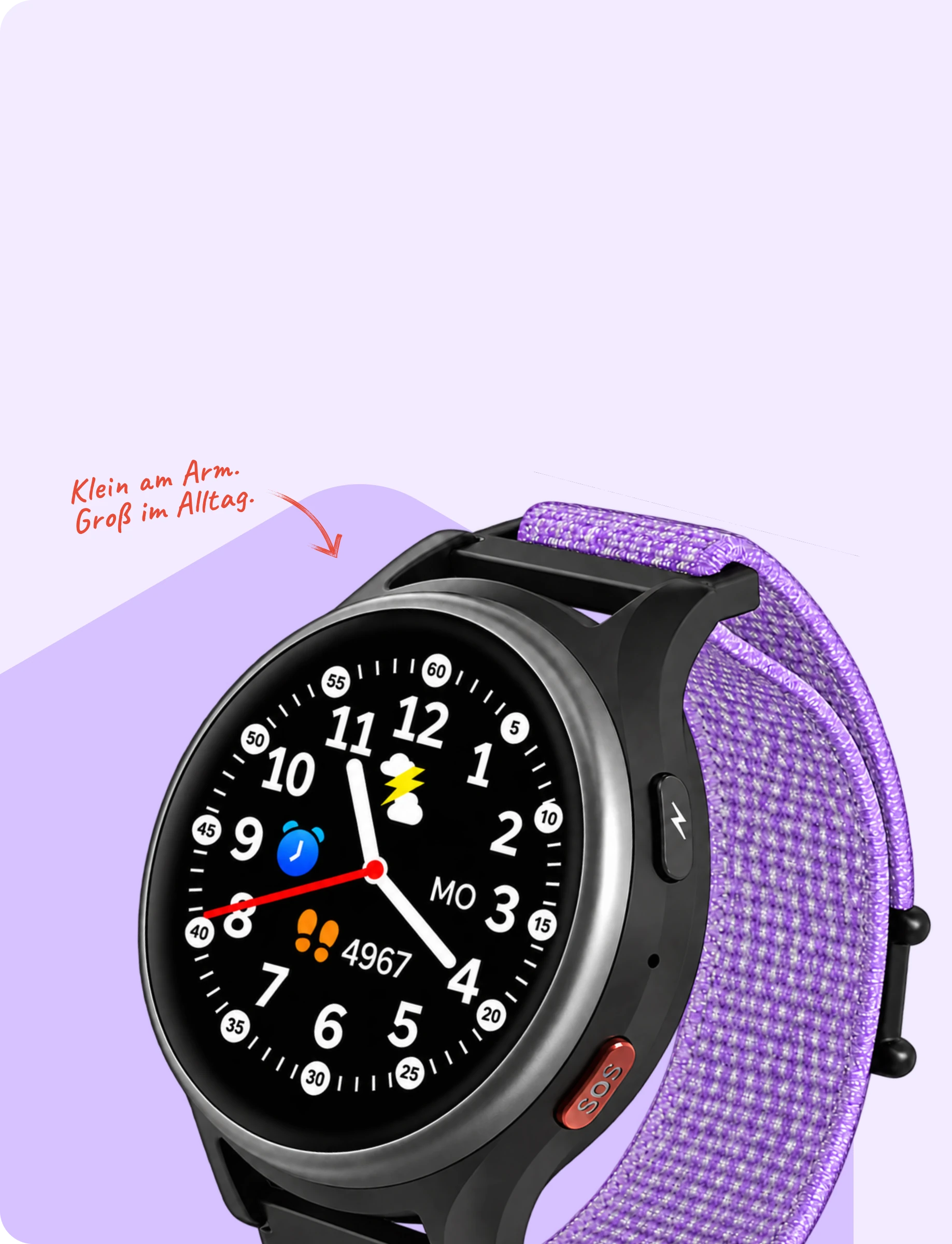
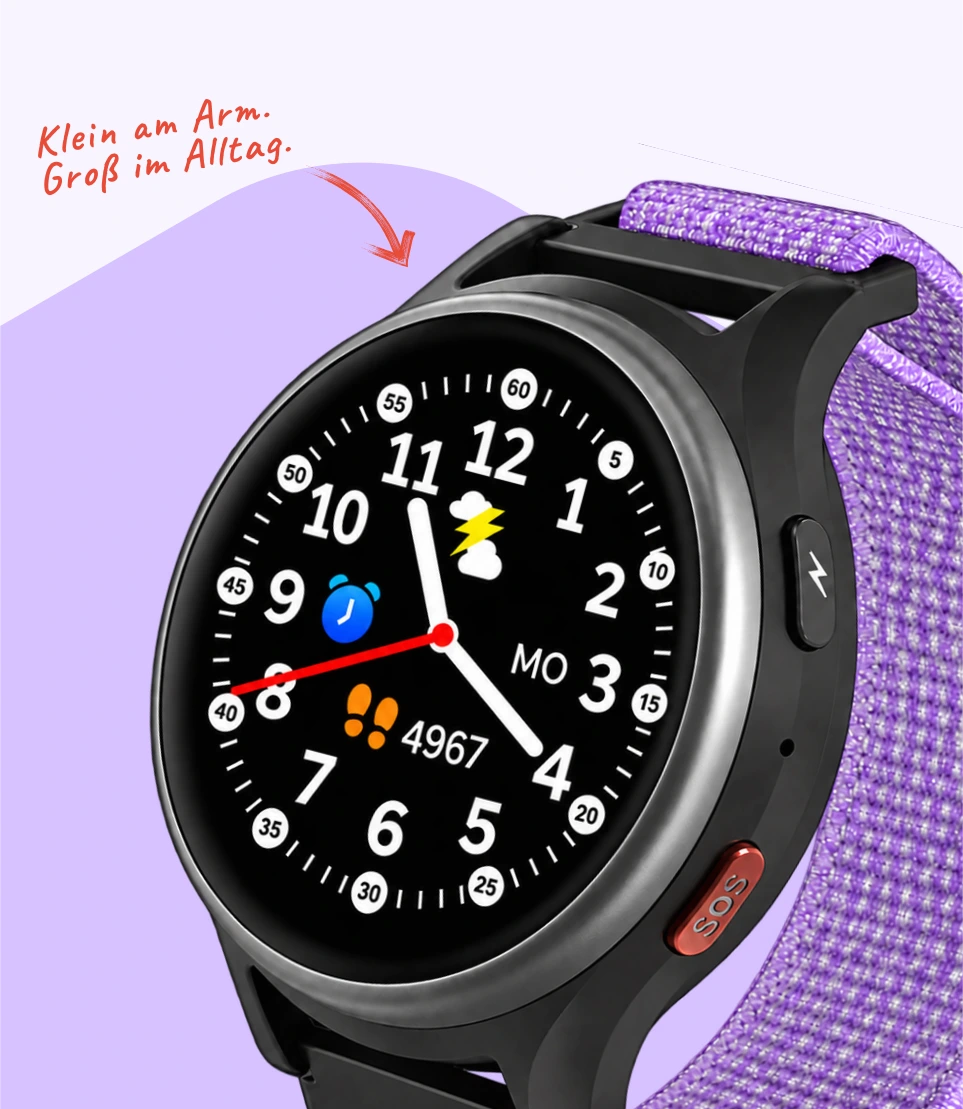
| Property | Value |
|---|---|
| Display | 1.09″ IPS touchscreen, 240 × 240 pixels |
| Housing / Weight | 45.15 × 14.9 mm · 44 g |
| Mobile communications | 4G |
| SIM | Nano-SIM (min. 300 MB data, voice & SMS) |
| Location tracking | GPS and mobile networks |
| Battery life | 595 mAh · 24–48 hrs, depending on tracking interval and reception |
| Charging | magnetic charging cable (USB-A), power adapter not included |
| Controls | Touchscreen · side SOS button · power button |
| App | free for iOS & Android |
| Watch strap | Fabric/nylon, continuously adjustable, 12–17 cm wrist circumference |
| Watch Faces | 6 (3 analog, 3 digital) |
| Scope of delivery | Anio 6, magnetic charging cable, quick-start guide, SIM tray opener |
Outdoors, the watch determines its location via GPS; indoors, it uses nearby Wi-Fi networks. Therefore, the location is less precise indoors—this is due to GPS itself.
Yes—and Grandma, Grandpa, and the babysitter too. Any number of family members can connect the app to the same watch.
No. Only you can turn off location tracking in the app—and even then, the SOS button will still work.
You perform updates for the Anio 6 yourself – without having to go through support.
Using the magnetic charging cable included in the delivery, connected via USB to a power supply. It’s best to plug it in overnight – in the morning it’ll be ready to go again.
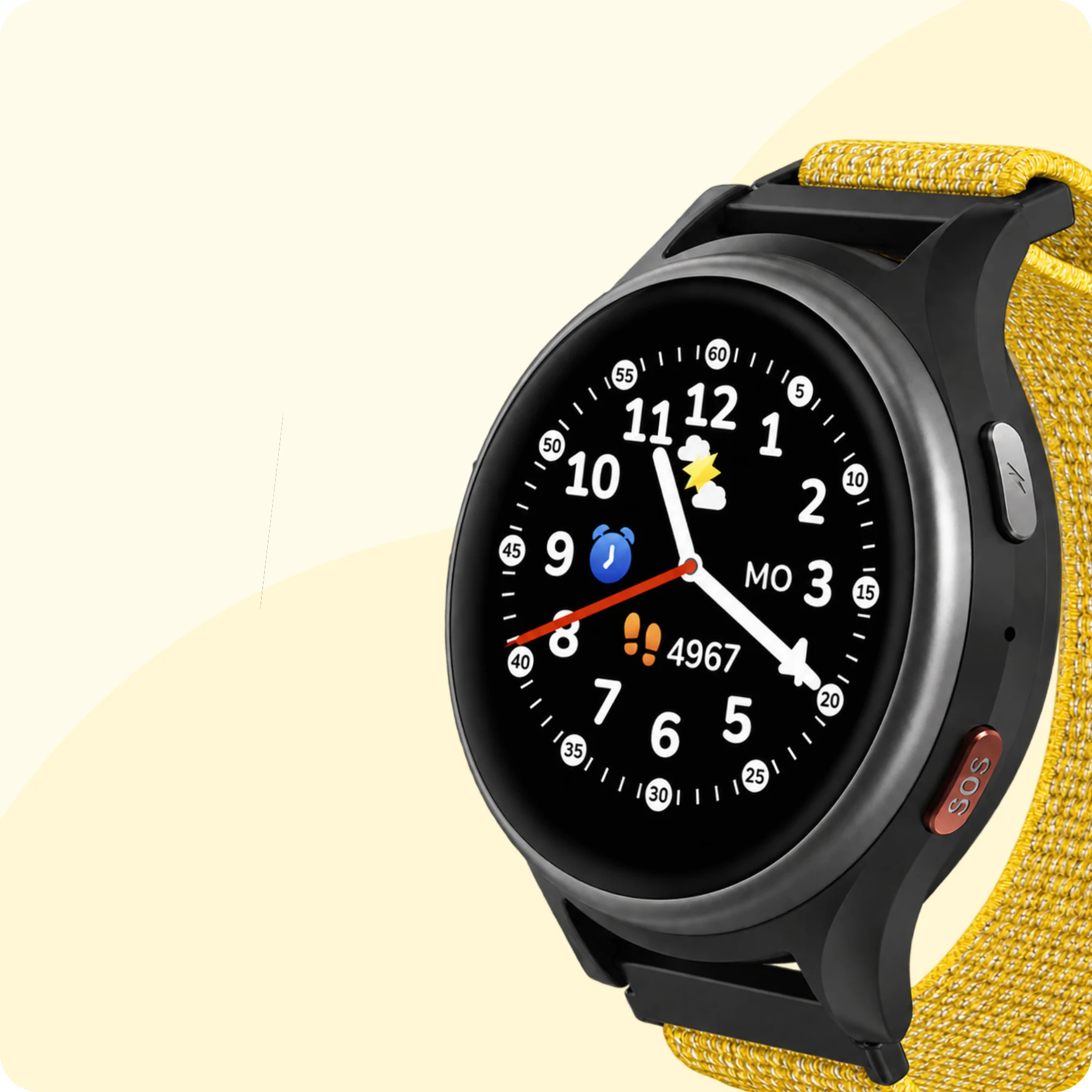
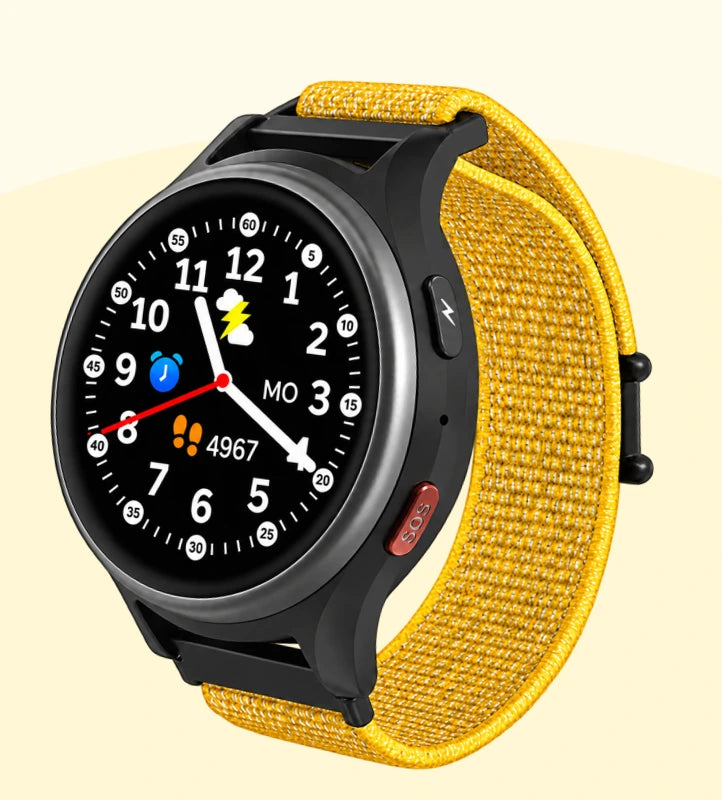
– or straight away as a set
with case and strap.
Everything for getting started and everyday life with your Anio.

Developed & supported in Germany

GDPR-compliant
Location data
Stored for 14 days

School mode with quiet hours

No distraction, no risk
